Exam-Ready CourseCadenza London Music Academy
Step 2 of 4 · Screening videos

Send Eric your exam pieces.

Eric listens to every recording before he confirms a place on the course. Send them on this page before the deadline.

Deadline

If we haven't received your videos by then, your place is released to the next family.

What you need to send

  • Required

    At least 1 video, one for each piece that's ready (up to 4)

  • Required

    The name of each piece you send (title and composer)

  • Optional

    Photos of the score, so Eric can follow along

A phone video is fine · One take per piece · Up to 4 GB per video

Not all four pieces ready yet?

No problem. Send Eric the pieces you have now. For any piece that isn't ready, send him your video and let him fast-track it for you in an Online Coaching session.

Start uploading

Upload your pieces

Three short steps. Everything stays on this page.

1

Check your details

Already filled in from your registration. Tap Edit only if something is wrong.

Filled in from your registration

Parent
Email
Student
Grade
Exam board
2

Add your pieces

Add at least one piece: type its name and choose its video. Leave any piece that isn't ready empty. Score photos are optional.

0 of 4 pieces ready

On a phone, use Wi-Fi if you can. Four videos can take 20–40 minutes, and you'll need to keep this page open.

3

Choose, agree and upload

Pick what you'd like from Eric, tick the box, then tap the yellow button.

What would you like from Eric?
How we use and store your videos

Your videos and score photos go to private Cadenza storage. Only Eric opens them, on a password-protected review page.

We never post them on social media or YouTube, and we never share them with anyone else.

Everything is deleted automatically 90 days after upload. Email music@cadenza-london.com to have it deleted sooner.

You'll see a progress bar, then a confirmation screen and email.

Before you upload

  1. 1

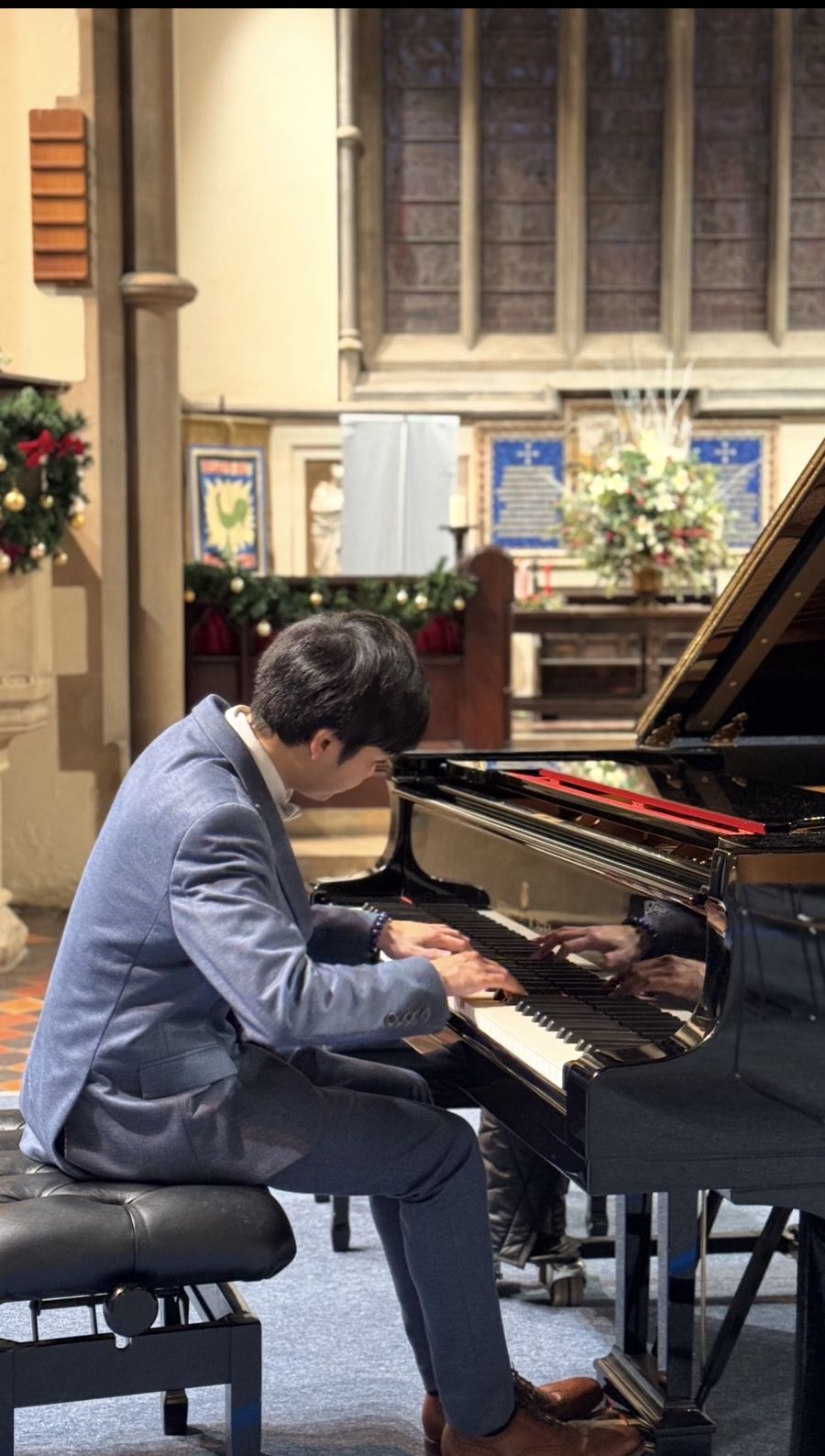
    Camera from the side. Landscape, so we can see your hands, face and feet on the pedals.

  2. 2

    Quiet room, light in front. Don't stand the phone on the piano itself.

  3. 3

    Introduce yourself. At the start of piece 1, say your name, grade and exam board.

  4. 4

    One take per piece, unedited. Play each piece straight through, like the real exam.

Private by design

  • Only Eric watches them. Your videos are never published or shared.

  • Stored securely. Kept in private storage, not on social media or YouTube.

  • Deleted after 90 days. Automatically, or sooner if you ask.